
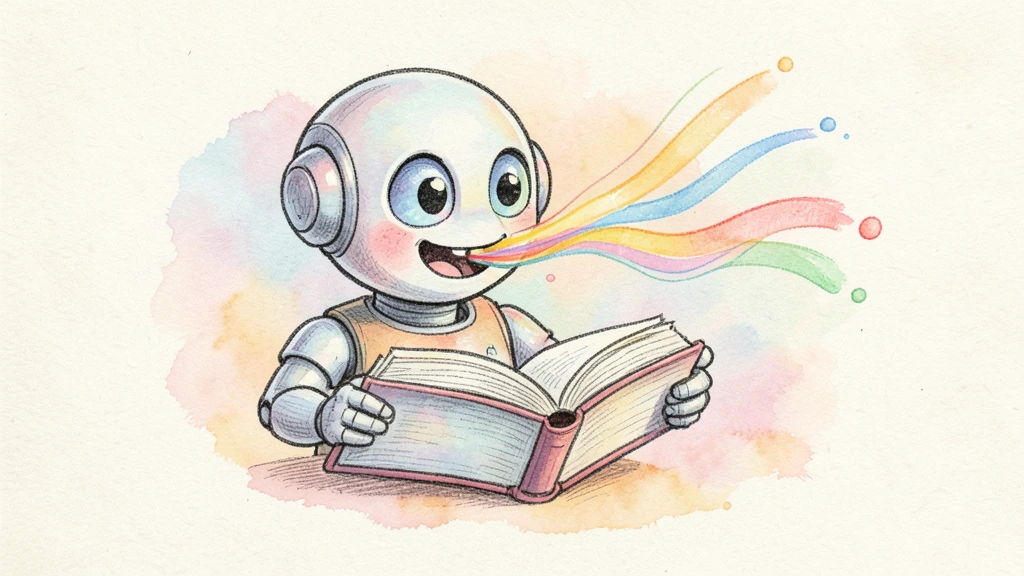
Have you ever wished you could turn your blog posts into podcasts, or transform lengthy documents into audio you can listen to while commuting? That's exactly what Text to Speech technology makes possible — and it's come a long way from those robotic voices we remember from early GPS devices.
In this comprehensive guide, I'll walk you through everything you need to know about TTS technology, from its basic principles to cutting-edge AI implementations that are genuinely difficult to distinguish from human speech.
What Exactly is Text to Speech?
Text to Speech (TTS) is a form of assistive technology that converts written text into spoken audio. At its core, TTS takes any digital text — whether it's a document, webpage, ebook, or social media post — and reads it aloud using a synthesized voice.
But here's where it gets interesting: modern TTS isn't just about reading words. Today's advanced systems understand context, emotion, and even subtle nuances like sarcasm or excitement. They can pause appropriately at commas, emphasize important words, and adjust their tone based on the content they're reading.
Think of it as having a professional narrator available 24/7, ready to voice any content you throw at them — without the scheduling conflicts or hourly rates.
How Does Text to Speech Technology Work?
The journey from text to spoken word involves several fascinating stages. Let me break down the process:
1. Text Analysis and Preprocessing
Before any sound is generated, the TTS system needs to understand what it's working with. This stage involves:
- Text normalization: Converting abbreviations (Dr. → Doctor), numbers (2026 → twenty twenty-six), and symbols ($ → dollars) into speakable words
- Sentence segmentation: Breaking text into logical chunks for natural pauses
- Language detection: Identifying the language and adjusting pronunciation rules accordingly
2. Linguistic Analysis
This is where the system figures out how to pronounce everything:
- Phonetic transcription: Converting words into phonemes (the basic units of sound)
- Prosody prediction: Determining rhythm, stress, and intonation patterns
- Part-of-speech tagging: Understanding whether "read" should be pronounced as "reed" or "red" based on context
3. Speech Synthesis
Finally, the actual audio generation happens. Modern systems use one of these approaches:
Concatenative Synthesis: Stitches together pre-recorded speech fragments. Think of it as a massive library of recorded sounds that get assembled like puzzle pieces.
Parametric Synthesis: Uses mathematical models to generate speech waveforms. More flexible but traditionally sounded more robotic.
Neural Network Synthesis: The game-changer. Deep learning models trained on thousands of hours of human speech can generate remarkably natural audio. This is what powers today's best TTS services.
The Evolution of TTS: From Robotic to Remarkably Human
I still remember using early TTS systems in the 2000s — they got the job done, but no one would mistake them for a real person. The technology has evolved dramatically:
Early Days (1960s-1990s)
The first TTS systems were rule-based, following strict pronunciation guidelines. They worked, but sounded distinctly mechanical.
The Statistical Era (2000s-2015)
Hidden Markov Models and unit selection improved quality significantly. Voices became smoother, but still lacked emotional depth.
The Neural Revolution (2016-Present)
Deep learning changed everything. Models like WaveNet (2016) and Tacotron demonstrated that machines could produce speech nearly indistinguishable from humans. Today's models go even further, capturing subtle emotional nuances and speaking styles.
Real-World Applications of Text to Speech
TTS technology has found its way into virtually every industry. Here are some of the most impactful applications:
Content Creation and Media
Podcasting: Creators use TTS to generate entire episodes or create multilingual versions of their content without hiring voice actors for each language.
YouTube Videos: From explainer videos to news channels, TTS powers thousands of successful channels. Some creators use it for draft narrations, while others rely on it entirely for their final content.
Audiobook Production: What once required weeks in a recording studio can now be accomplished in hours. Authors and publishers are increasingly turning to AI narration to make their content accessible in audio format.
Accessibility
For individuals with visual impairments or reading difficulties like dyslexia, TTS is genuinely life-changing:
- Screen readers that narrate everything on a computer or phone
- Apps that read physical text through the camera
- Tools that convert any digital document into audio
Business and Customer Service
IVR Systems: Those phone menus you navigate when calling customer support? Many now use TTS to provide dynamic, personalized responses rather than pre-recorded messages.
Virtual Assistants: Siri, Alexa, and Google Assistant all rely heavily on TTS to communicate with users.
Training and Documentation: Companies use TTS to create audio versions of training materials, making learning more accessible and flexible.
Education
Language Learning: Students can hear correct pronunciation of foreign words and phrases, improving their accent and comprehension.
E-Learning Platforms: Course creators add narration to video content without recording their own voice.
Study Aids: Students convert their notes and textbooks to audio for reviewing on the go.
Choosing the Right TTS Solution: What to Consider
Not all TTS services are created equal. When evaluating options, consider these factors:
Voice Quality
Listen carefully to sample outputs. Does the voice sound natural? Can you detect robotic artifacts or unnatural pauses? The best services offer voices that genuinely sound human.
Language Support
If you're creating content for a global audience, you'll need voices in multiple languages. Check whether the service offers native-sounding voices in your target languages — not just accented English.
Customization Options
Can you adjust speaking speed? Control emphasis on specific words? Some platforms offer extensive customization, while others give you a one-size-fits-all solution.
Output Quality and Formats
What audio formats are available? What's the maximum quality? For professional content, you'll want high-fidelity output suitable for broadcasting.
Pricing Model
TTS services typically charge by character count, audio duration, or subscription tiers. Calculate your expected usage to find the most cost-effective option.
API Access
If you're building an application or need to process large volumes of text, API access is essential. Check rate limits, documentation quality, and integration options.
Common Misconceptions About TTS
Let me address some myths I frequently encounter:
"TTS always sounds robotic": This hasn't been true for years. Modern neural TTS can fool most listeners into thinking they're hearing a human.
"It's only for accessibility": While accessibility remains crucial, TTS has become a mainstream content creation tool used by everyone from solo YouTubers to major media companies.
"Real voice actors are always better": For high-end productions with unlimited budgets? Perhaps. But for most use cases, AI voices offer comparable quality at a fraction of the cost and time.
"All TTS services are basically the same": The quality gap between services is enormous. Premium services sound dramatically better than basic ones.
The Future of Text to Speech
The pace of improvement in TTS technology shows no signs of slowing. Here's what I'm watching:
Emotional Intelligence: Systems are getting better at detecting the emotional context of text and adjusting their delivery accordingly.
Voice Cloning: Create a custom voice from just a few seconds of audio. This technology is becoming more accessible and higher quality.
Real-time Processing: Lower latency means TTS can be used in live conversations and interactive applications.
Multimodal Integration: Combining TTS with lip-syncing video generation, creating complete synthetic presenters.
Getting Started with TTS
Ready to experiment with Text to Speech? Here's my recommendation:
-
Start with a free trial: Most quality TTS services offer free tiers. Test several before committing.
-
Begin with a single use case: Whether it's converting blog posts to audio or creating video narration, focus on one application initially.
-
Iterate on voice selection: Don't settle for the first voice you try. Experiment with different options to find one that matches your content's tone.
-
Gather feedback: Share your TTS-generated content with your audience and ask for honest opinions.
Wrapping Up
Text to Speech technology has matured from a novelty into an essential tool for content creators, businesses, and anyone looking to make information more accessible. The quality improvements over the past few years have been remarkable, and the trajectory suggests even more impressive advances ahead.
Whether you're a content creator looking to scale your production, a business wanting to enhance customer experience, or simply someone who'd rather listen than read — TTS has something to offer.
The question isn't whether to use TTS anymore. It's which TTS solution fits your needs best.
Ready to experience modern TTS technology for yourself? Try our free text to speech tool and hear the difference AI-powered voices can make.